
Sketchpad 5.1
Have no fear, Sketchpad 5.1 is here! Check out the latest features: Updated Sketchpad User Guide Reorganized UI with collapsable sidebar Improved Bru...
Have no fear, Sketchpad 5.1 is here! Check out the latest features: Updated Sketchpad User Guide Reorganized UI with collapsable sidebar Improved Bru...
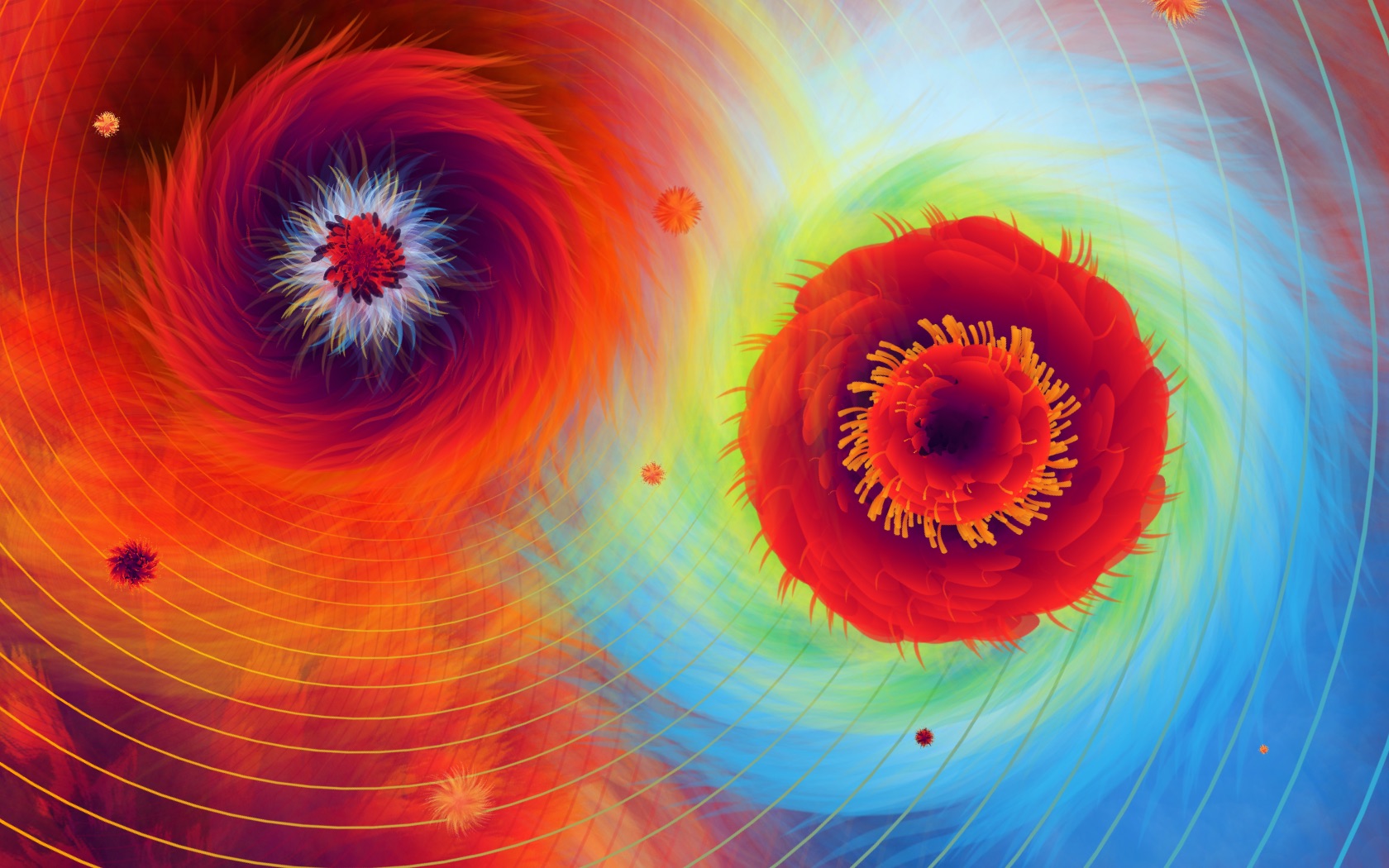
Extra extra! There's a new Sketchpad in town! Here's a rundown of the latest features: Choose a theme, or create your own! ? My current favorite is D...
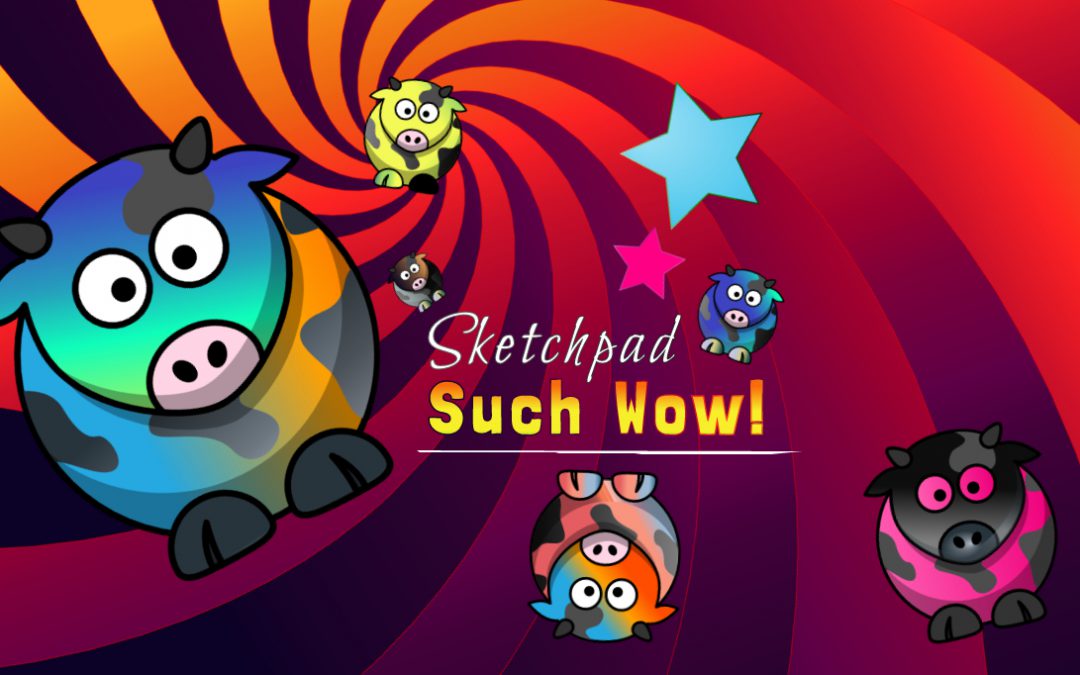
I'm excited to announce Sketchpad 4.0! The focuses on this release has making the app more colorful, faster, and easier to use. Here's an overview of ...

Sketchpad v3.7 is here! Here's a list of new features: High-Res export for print! 300DPI Autosaving to library! Document resizing. Path smoothing on ...
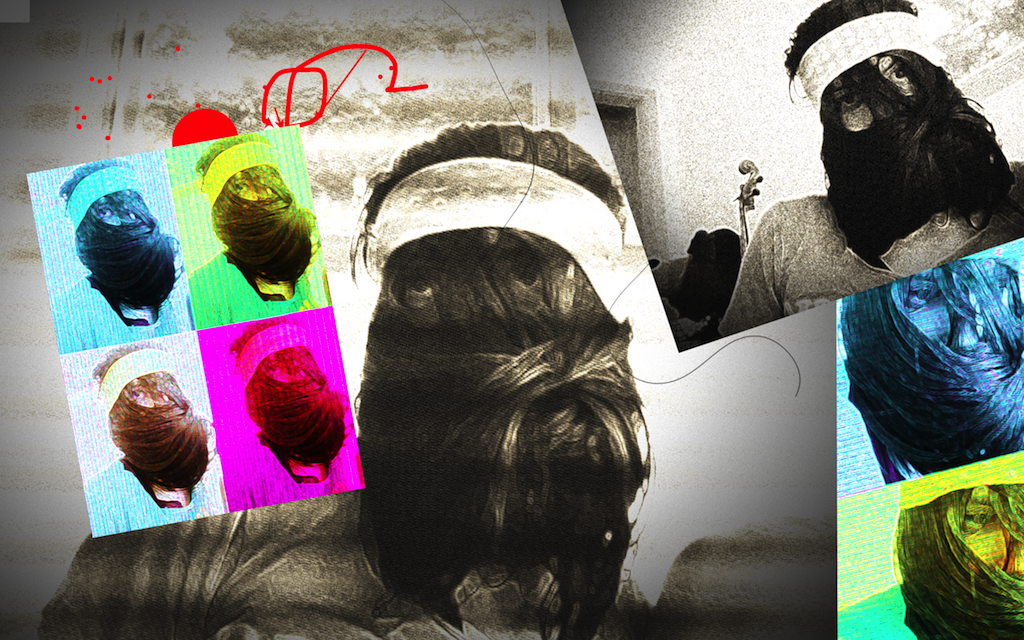
Sketchpad 3 is available in the Chrome Webstore (for free), combining WebGL effects with vector editing, and lots of HTML5 goodness! Some of the majo...
Sketchpad 2.1 borrowed from Sketch Mobile and expanded the vector toolset with gradients, editable brushes, shapes, and multi-user drawing.
Sketchpad 2.0 introduced a non-destructive vector and image editor built in HTML5.
Sketch Mobile is a drawing app built for mobile browsers, using multi-touch, accelerometer, and gyroscope support.
Sketchpad is a free application utilizing canvas to allow anyone with a web connection and a recent browser to create beautiful drawings.
Welcome to the preview of Sketchpad. Though not all browsers support canvas, we're working hard to extend support before our official release.